
WEB Accessibility in Allente
Client
Allente
Role
Web accessibility lead
Duration
18 Months
Year
Aug 2024 - april 2026
Project Overview
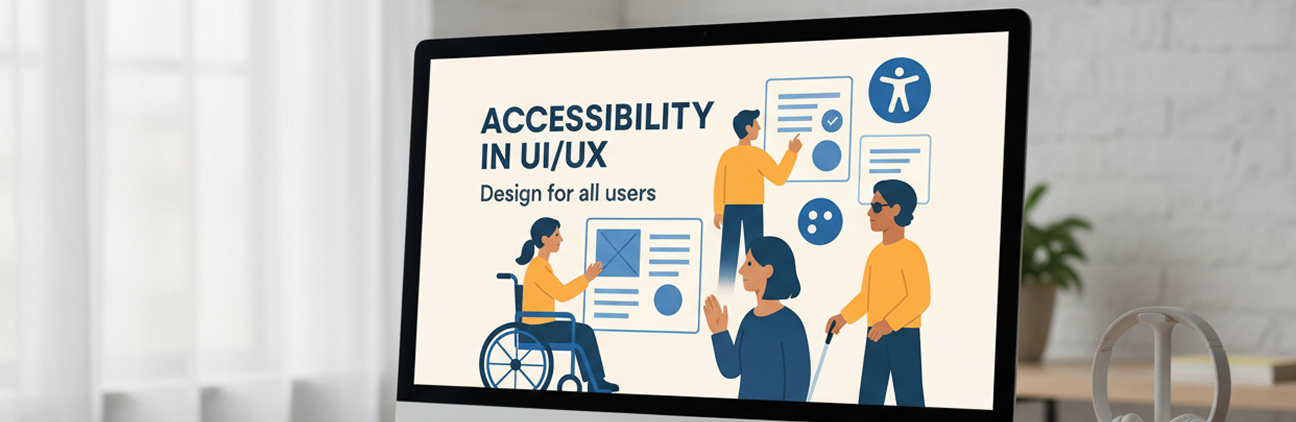
As a UI/UX Designer, I led an accessibility initiatives in allente focused on creating a more inclusive and compliant digital experience across complex, multi-platform ecosystem. The project covered customer-facing web platforms, mobile applications, TV interfaces, and set-top box systems—each with varying levels of accessibility maturity. The primary goal was to evaluate the current user experience against established accessibility standards, particularly WCAG 2.1 AA, and make the product ecosystem compliant for upcoming regulatory requirements under the European Accessibility Act (EAA). Through a combination of automated audits, manual testing and detailed assessment, the accessibility of allente services was evolved to a significant percentage.
Beyond testing and assessment, my role extended to translating accessibility gaps into actionable UX improvements. I collaborated well with cross-functional teams to define design solutions, prioritize fixes and contribute to a scalable accessibility strategy that aligned with user needs, business goals and EU regulations.
This project was not just about compliance, it was about ensuring that all users, regardless of their abilities get the opportunity to access and interact with digital services with less barriers.
Problem Statement
“Users with disabilities” were unable to effectively navigate and interact with the content across multiple platforms.
- Missing alt text
- Poor color contrast
- Lack of screen reader support
- Weak keyboard navigation
- No responsiveness in mobile apps
- Accessibility inconsistencies across platforms
🎯 Objectives & Goals
- 1. Achieve WCAG 2.1 AA compliance
- 2. Compliance with European Accessibility Act (EAA)
- 3. Enhance screen reader support across all platforms
- 4. Accessibility consistency across allente ecosystem
Accessibility for Nordic Customer Web
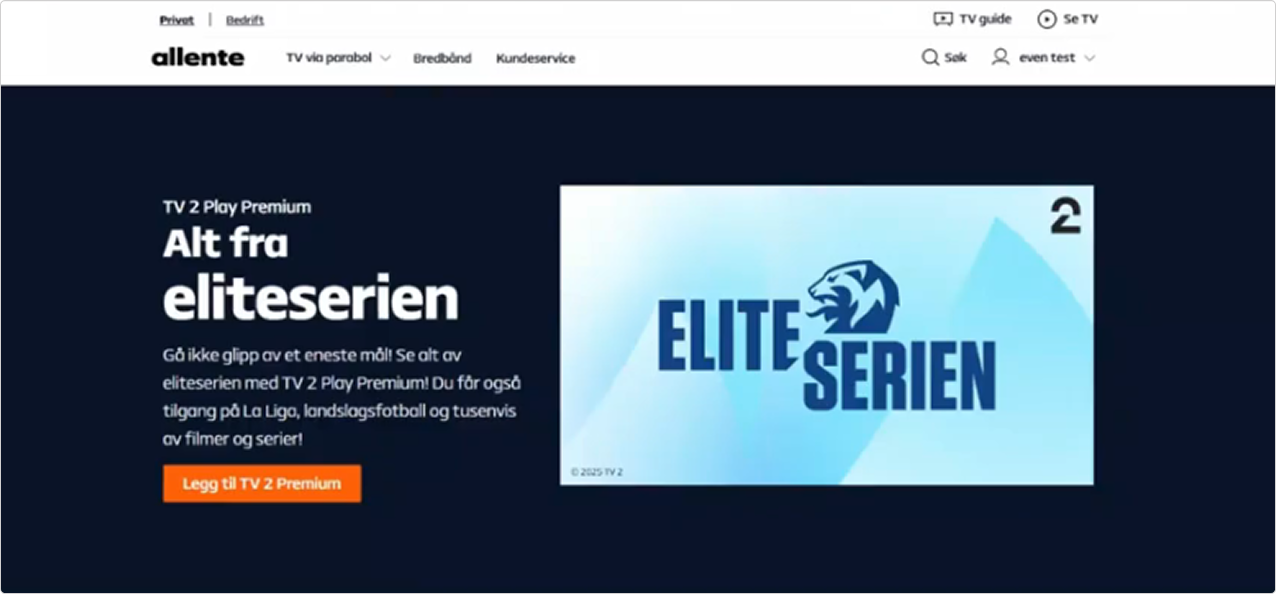
I will be covering key points implemented for NCW platform to improve and make our Customer Web more accessible to those with difficulty in hearing or other disabilities.
Please note: All accessibility changes are consistent across all countries and all components on the Nordic Customer Web. Each change is reflected onto Windows, MacOS, iOS, Android Mobiles & Tablets. Here youʼll find an overview of how the accessibility features for Nordic Customer Web has greatly enhanced the user interaction with the web. Below´s PI System Demo attached where you can find an overview of the features presented.
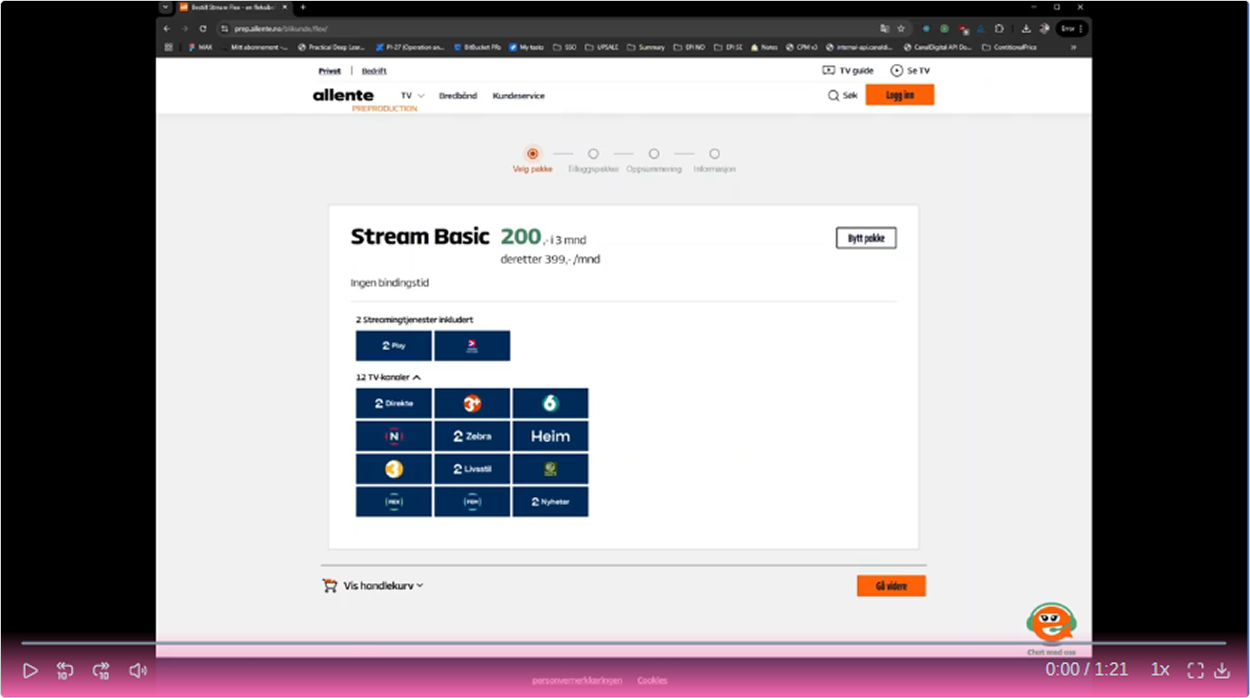
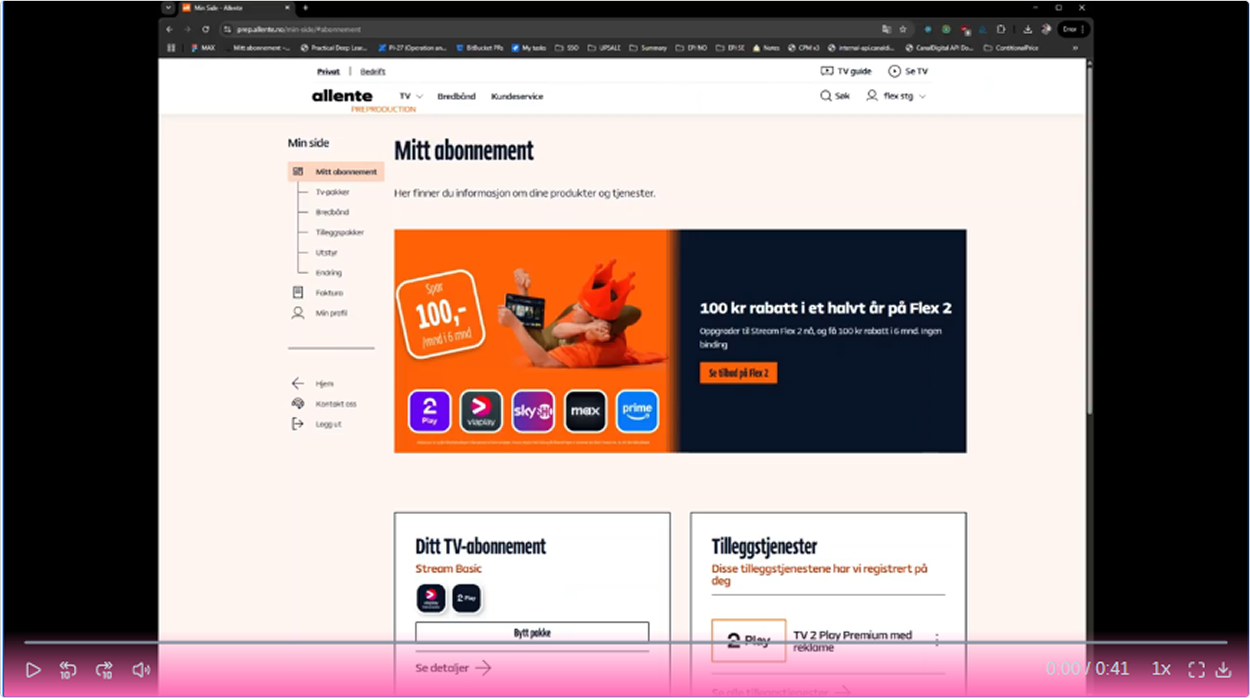
Demos of common scenarios is attached that was executed on the Web such as buying a new subscription or modifying an existing one on MyPage using only the keyboard for navigation
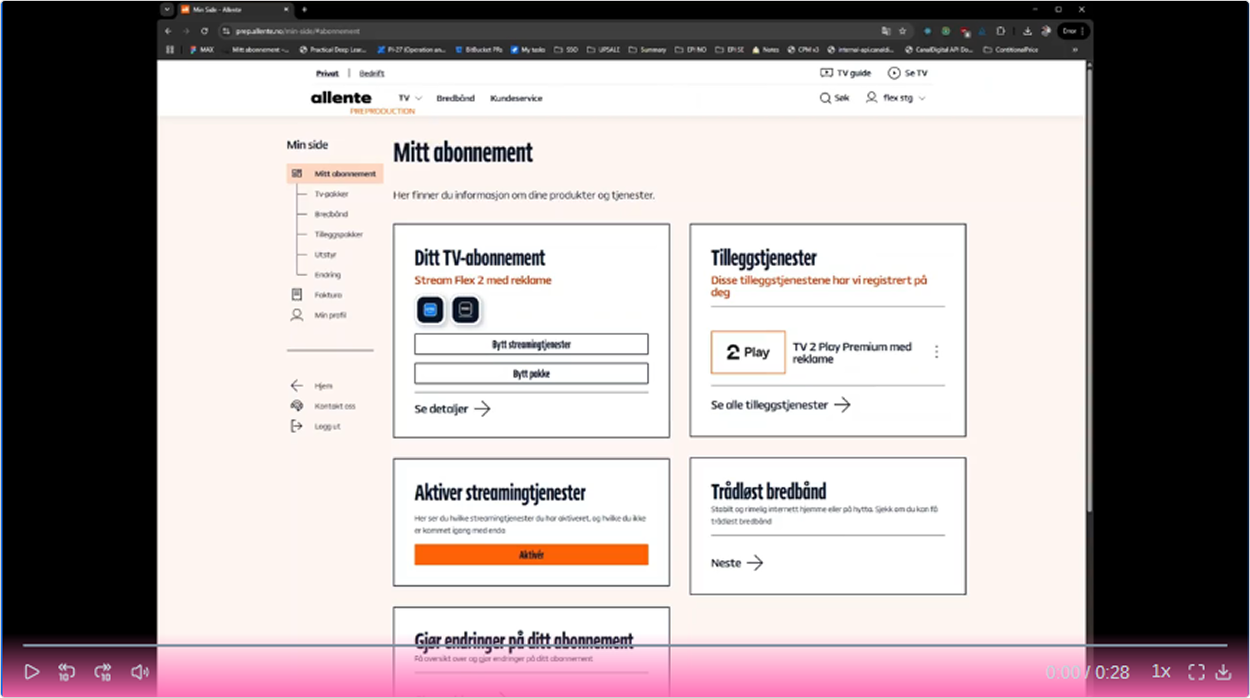
The Nordic Customer Web
1 - Screen Reader Compatibility
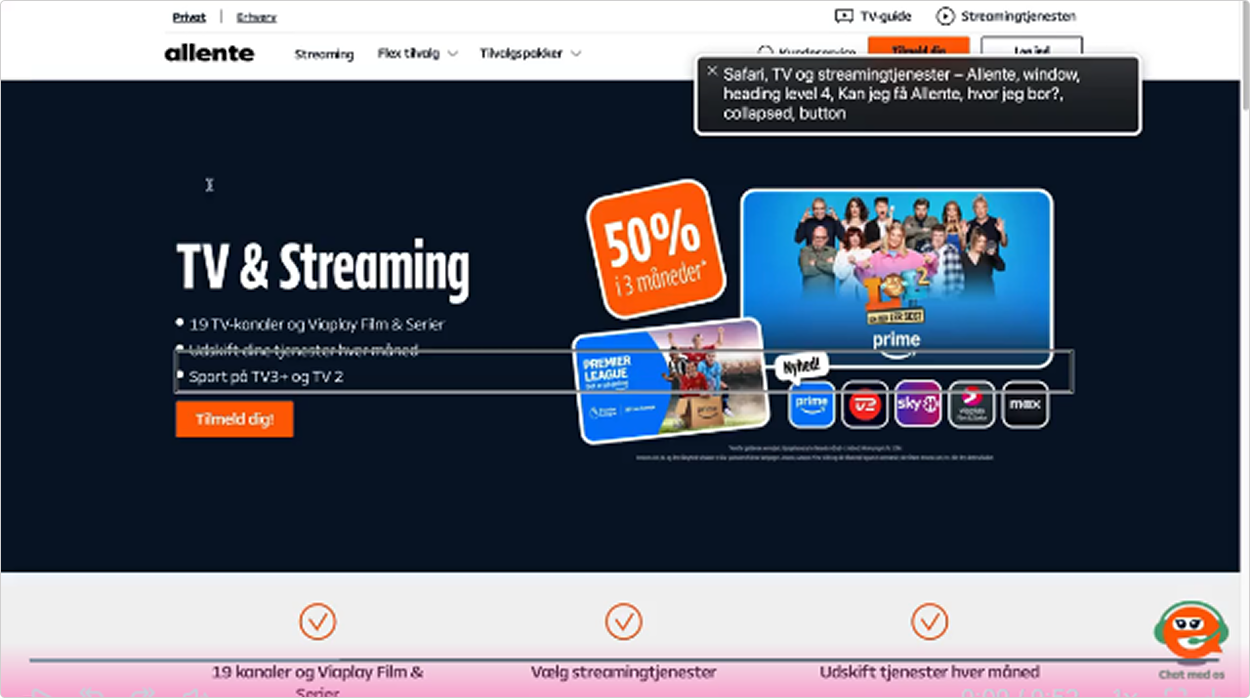
We have worked to improve the HTML and ARIA Labels for a smoother reader navigation. We have also created some guidelines for our CMS Editors & Web Content Managers on best practices for setting up these blocks so our users can easily navigate with it. We have ensured that our accessibility changes now remain consistent with screen readers on different platforms whether its on OS Level or Web browser. A demo of screen readers will be attached across various devices including Chrome/Edge on Windows & Safari on MacOS.
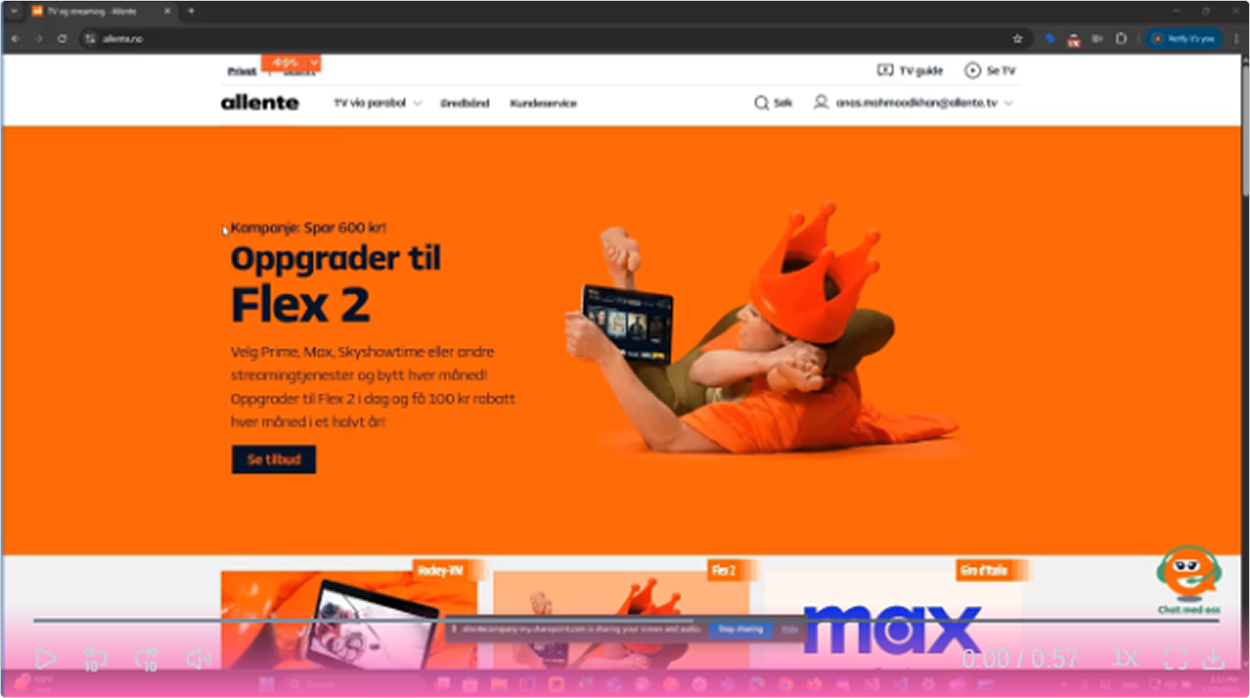
2 - Keyboard Navigation
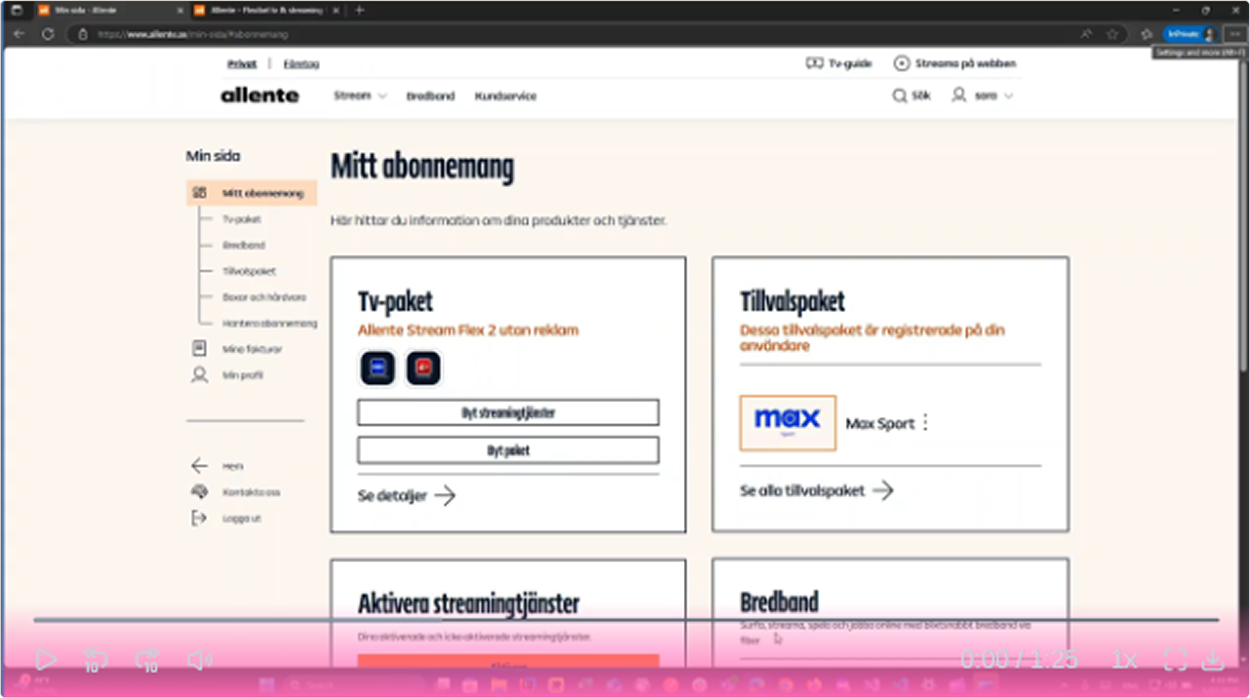
Next thing we worked on was to make sure our Customer Web is fully accessible via the keyboard only simplifying navigation using tab spaces and arrow keys This ensures a faster, quicker and more accessible Web.
3 - Alt Text for Images
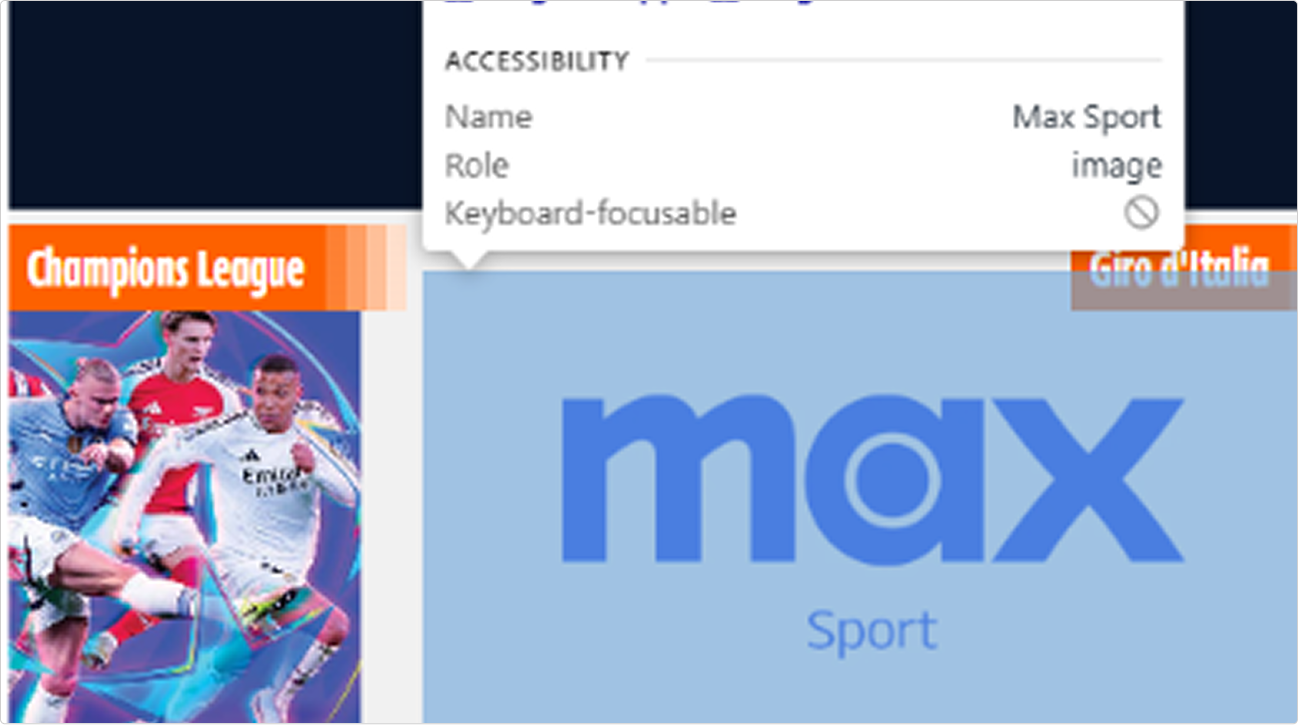
Another goal implemented for NCW was adding and implementing descriptive (alt) text elements for accessibility. This includes displaying a text that describes the image and further enhances the experience of disabled individuals. Some older blocks such as the Old promo blocks donʼt have descriptive alt text for images since those blocks are now outdated. So the newer promo block, as shown in the image above, is now being used across the NCW while the older ones are being phased out.
4 - Focus indicators
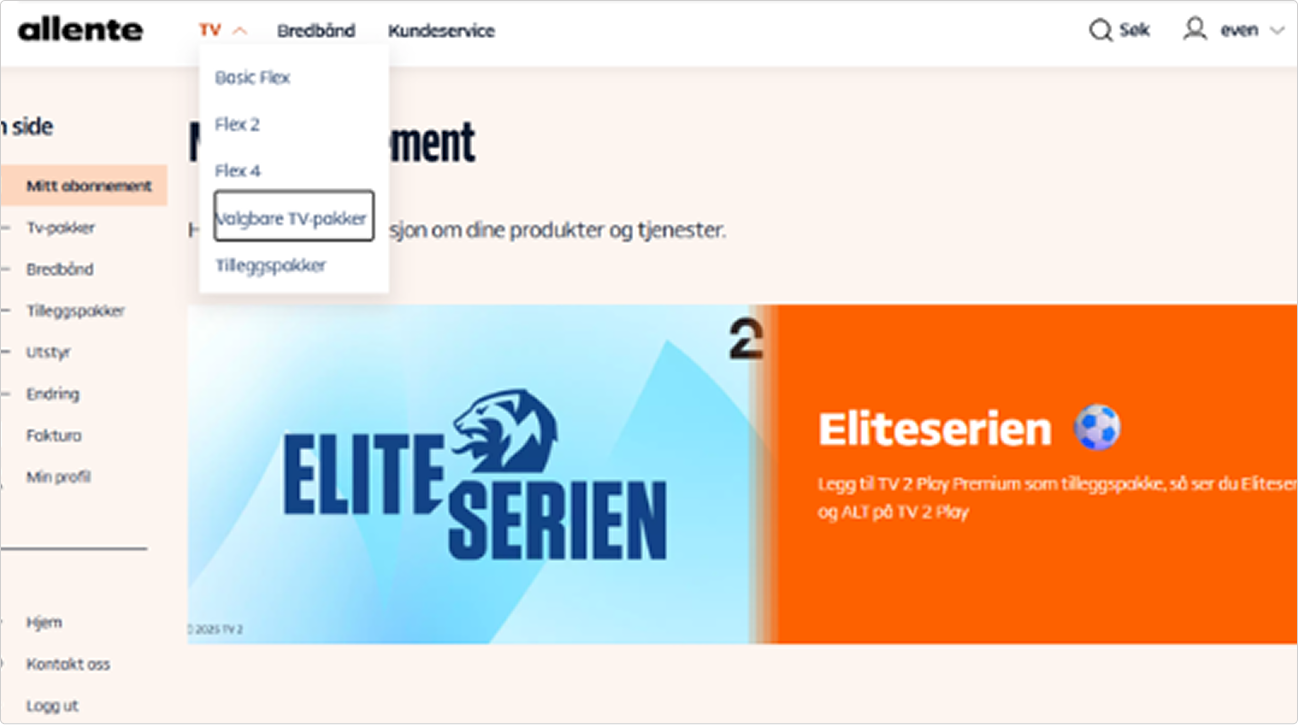
Focus indicators are critical to ensure the users can clearly see which element of the webpage they are currently focused on either through keyboard navigation or via a screen reader. We developed interactive focus indicators which clearly indicate the current selected element. These focus indicators can also be viewed in the above screen recordings attached in Segment 1 & 2 as they appear during screen readers & keyboard navigation.
5 - Text Resize
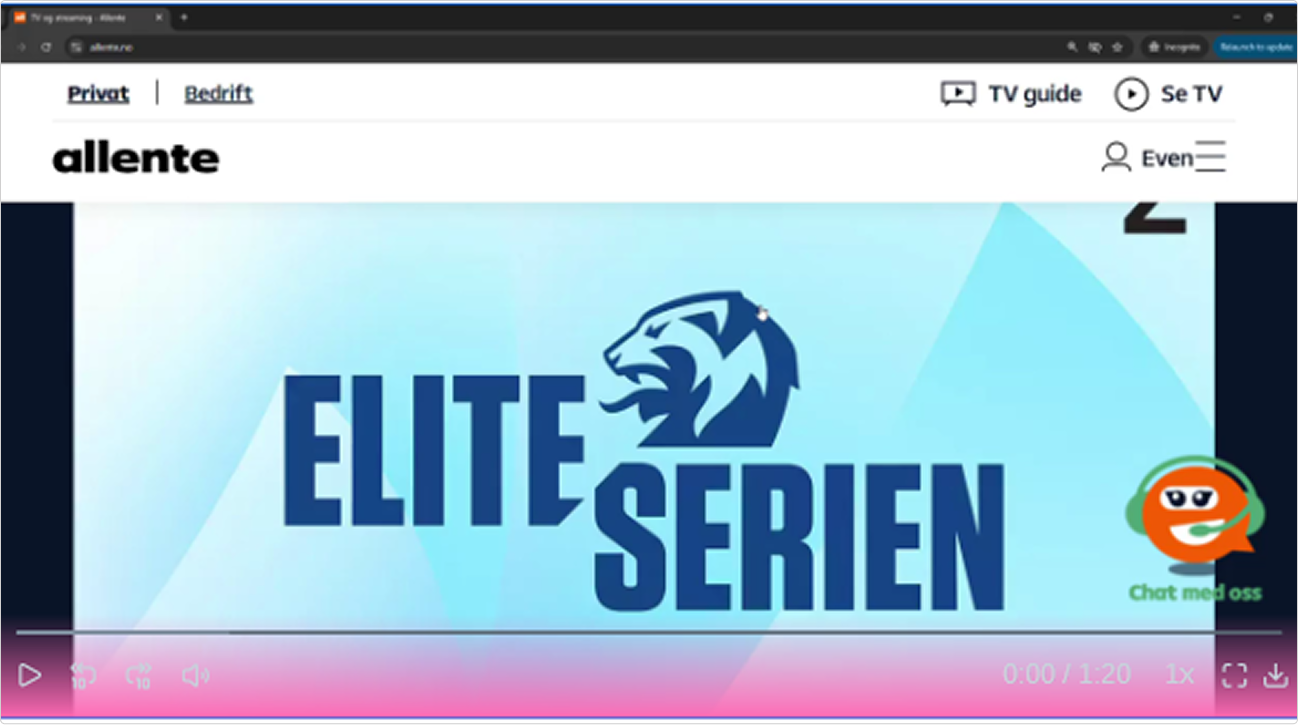
The Nordic Customer Web is highly responsive as explained in the next section. We support up to 200% text resizing on desktop while still maintaining the critical/core elements on our Web needed to relay the required information to the users. The following is a demo that shows how convenient it is for users to resize their browser to 200% without losing key information browsing our web as well as managing their subscription on MyPage.
6 - Responsive Design
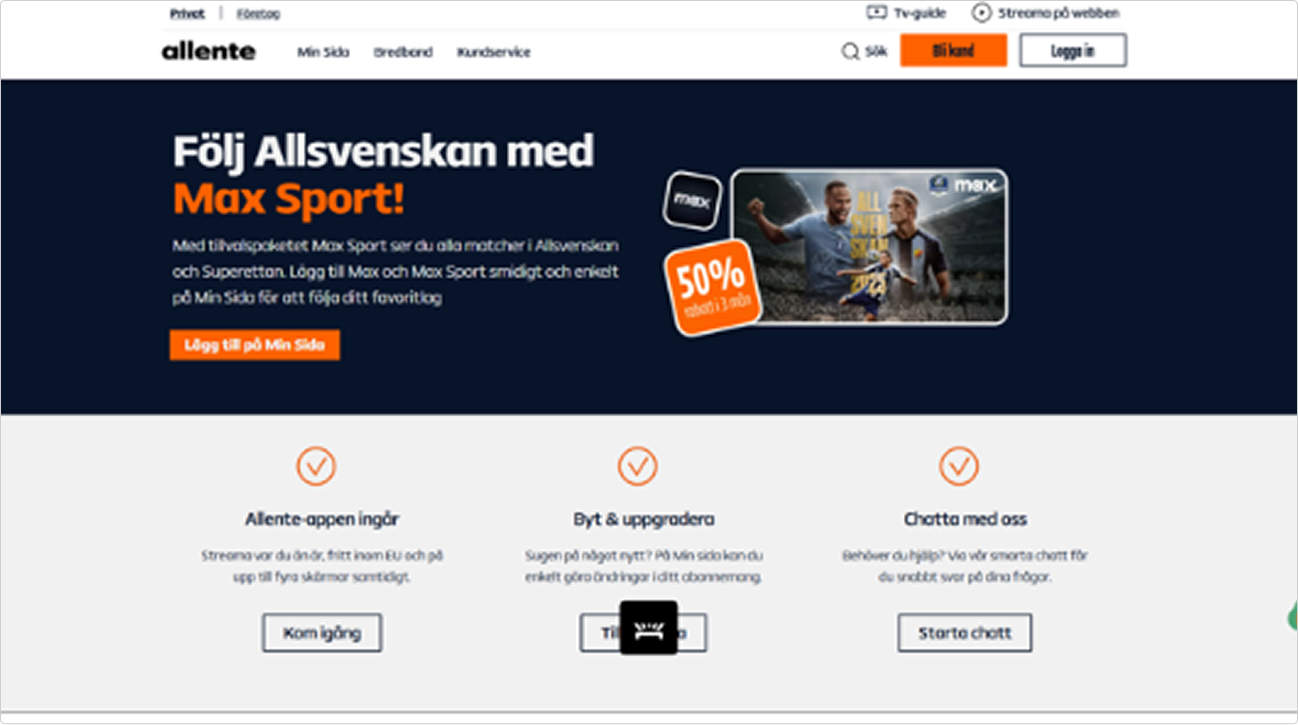
Responsiveness has always been a core element of the Nordic Customer Web. This is because Customers access the NCW via mostly their mobile devices/tablets, so every feature is designed, developed and tested with responsiveness in mind. The Responsiveness is supported across various devices and OS such as Android, iOS, Windows, MacOS, iPadOS.
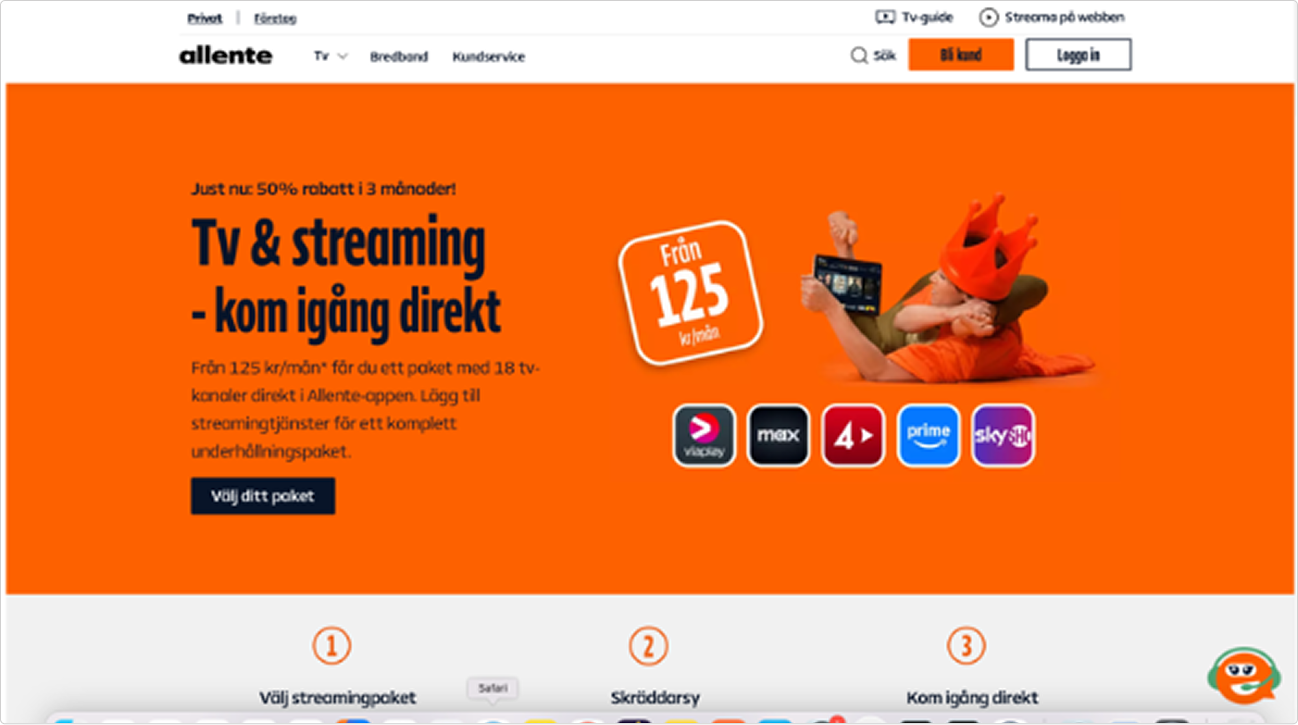
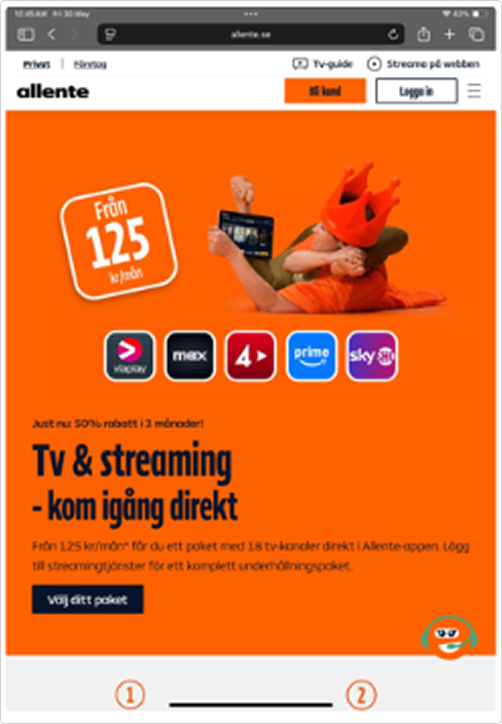
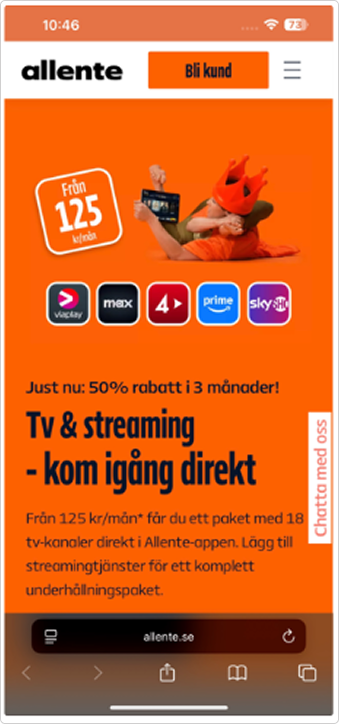
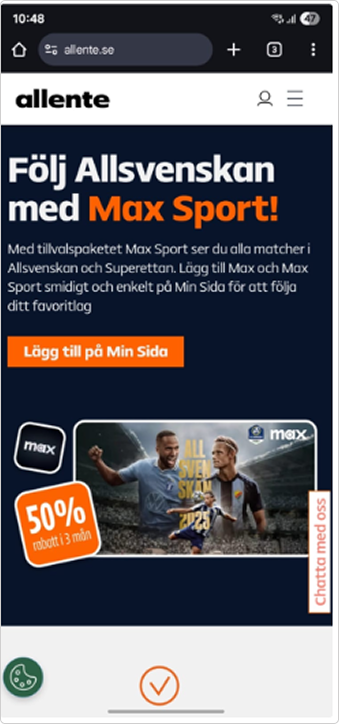
Accessibility Scores (NCW)
My page:
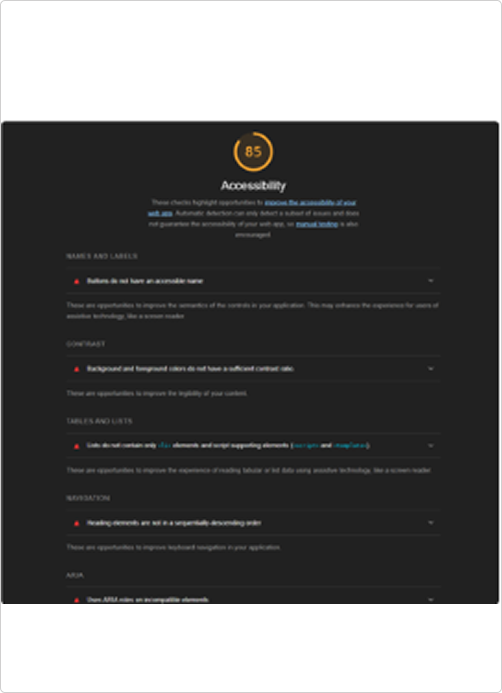
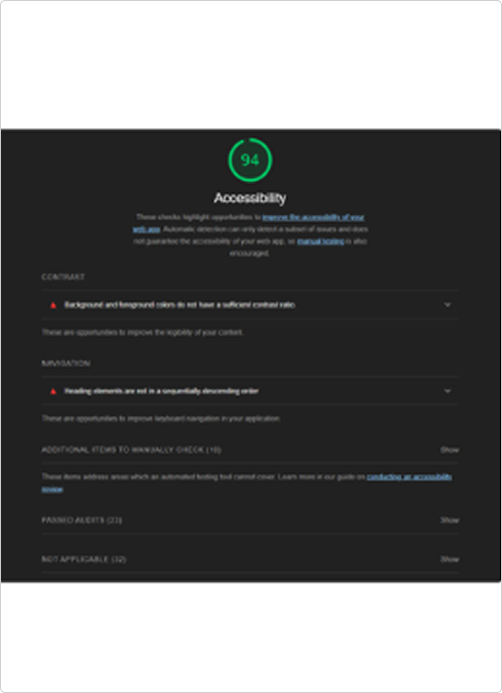
The MyPage is where the Customer can manage their subscription such as upgrading/downgrading or adding/cancelling additional services. We have significantly boosted our accessibility scores on the webiste and can be tested by a plugin called Lighthouse that makes an assessment on how accessible the web is and the results vary to different pages but majority has reached 94%.
subscription – (MyPage) Customers can buy additional services on-top of their current subscription via EDM Templates (Customized offers via Emails) – (Upsales).
Key Achievements
- Successfully conducted a comprehensive accessibility audit across web, mobile, big screens and set-top box platforms, identifying critical usability barriers and compliance gaps.
- Improved overall accessibility compliance of the customer web platform to approximately 85% (WCAG 2.1 AA aligned) through accessibility guidelines, structured recommendations and design interventions.
- Defined and implemented scalable solutions for core accessibility issues, including alt text coverage, color contrast improvements, and keyboard navigation.
- Contributed to the integration of screen reader support for web platforms and supported the roadmap for implementation across big screen and mobile environments.
- Played a key role in preparing the product ecosystem for the European Accessibility Act (EAA) 2025, reducing potential legal and usability risks.
- Collaborated with cross-functional teams (development, product, and legal) to prioritize accessibility fixes based on impact, feasibility, and user needs.
- Helped establish a long-term accessibility strategy and roadmap, ensuring continuous improvement beyond initial compliance.
- Elevated awareness of inclusive design practices within the team, positioning accessibility as a core UX and business priority, not just a compliance requirement.
Results & Impact
92%
WCAG 2.1 Level AA Compliance
45%
Increase in accessible user interface
27%
Reduction in churn rate
The accessibility improvements not only made the platform compliant but also enhanced the overall user experience for users, resulting in increased engagement, positive feedback and reduced churn.